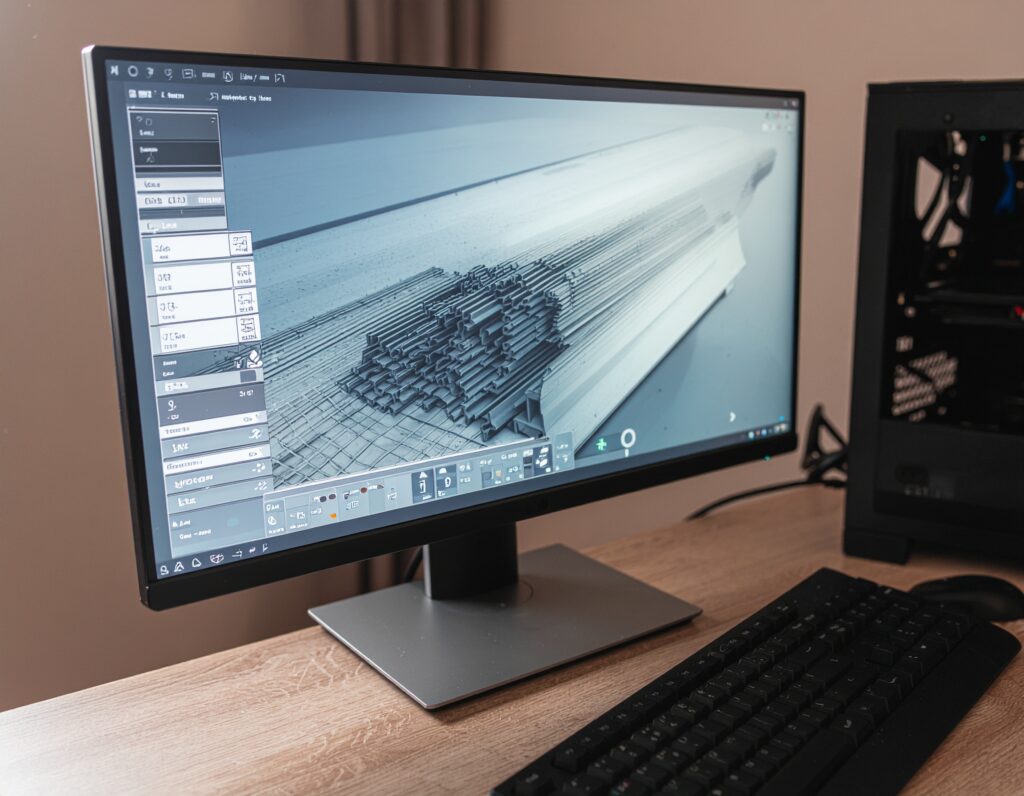

Online slicing tools have changed how quickly designs move from screen to printer. An online STL-to-G-code slicer eliminates the need for heavy software installations and local processing power, making it easier to prepare files from almost anywhere. This speed and convenience explain why online slicers have become a preferred option for teams, classrooms, and production environments.
At the same time, browser-based tools introduce their own challenges. Upload limits, processing delays, and compatibility gaps can disrupt otherwise simple workflows. Understanding the most common issues—and knowing how to resolve them—keeps online slicing efficient rather than frustrating.
Slow Uploading or File Processing in the Online STL Slicer
Slow uploads usually stem from high-resolution meshes or unstable network connections. Online slicers process files remotely, so overly dense STL files take longer to transmit and analyze. Reducing polygon count during export or using mesh simplification tools before upload often resolves the issue quickly.
The Online STL Slicer Fails to Load the Model Entirely
When a model refuses to load, hidden geometry errors often exist. Non-manifold edges, inverted normals, or overlapping surfaces prevent proper interpretation. Running a quick mesh repair before uploading typically restores compatibility with the online STL slicer.
Incorrect Scaling or Dimensions After Upload
Scaling errors occur when design software exports files using different unit assumptions. A model designed in inches may be imported in millimeters. Verifying unit settings before upload and confirming dimensions in preview avoids wasted print time and material.
Poor Auto-Support Generation or Missing Supports
Auto-support tools save time but do not always place supports where needed. Thin overhangs, internal cavities, or angled surfaces often require manual adjustment. Switching to custom support options or adjusting support thresholds improves print stability.
Slicing Takes Too Long or Gets Stuck
Excessively detailed models slow down cloud-based slicing engines. When slicing stalls, simplifying geometry, or splitting the model into smaller sections helps processing complete faster. Some STL to G-code online tools also perform better when unnecessary internal geometry is removed.
G-code Errors After Downloading From the Online STL Slicer
G-code errors often result from mismatched printer settings. If the online slicer uses a generic profile, movement commands, or temperature values may not align with the printer. Selecting the correct machine profile or adjusting start and end scripts resolves most issues.
The Model Appears Hollow, Broken, or Shows Holes in the Preview
Preview mode often reveals structural issues that aren’t visible in design software. Hollow sections or holes usually indicate mesh errors or incorrect wall thickness settings. Repairing geometry and increasing minimum wall thickness restores structural integrity.
Online STL Slicer Doesn’t Support Printer or Material Settings
Some online tools support only a narrow range of printers or materials. This limitation affects advanced settings such as temperature control and retraction tuning. Using platforms that allow custom profiles or exporting to secondary slicers ensures compatibility.
Layer Lines, Artifacts, or Unexpected Geometry After Slicing
Artifacts often result from aggressive layer heights, speed settings, or insufficient cooling. Reviewing layer previews and adjusting resolution or print speed reduces visual defects before printing begins.
Privacy and Security Concerns When Uploading STL to Online Tools
Uploading files to third-party servers raises security considerations. Sensitive designs benefit from platforms that offer access controls, encrypted transfers, and defined data retention policies.
Best Practices to Avoid Issues When Using an Online STL Slicer
Consistent file cleanup, correct unit settings, verified printer profiles, and preview checks prevent most slicing issues. Using stable network connections and trusted platforms also improves reliability.
Online STL Slicers Are Powerful—If Common Problems Get Fixed Fast
Online slicing tools deliver speed and flexibility when handled correctly. Addressing geometry errors, profile mismatches, and processing limitations keeps workflows efficient.
Simplify slicing, protect designs, and manage prints with confidence to turn every online STL slicer workflow into a reliable production process.